The full governance lifecycle
Everything you need.
Nothing you don’t.
Wusool covers the full master data governance lifecycle. Create dimension lists, govern who edits them, and export consistent values to your data stack.
Master data lists
Dimensions
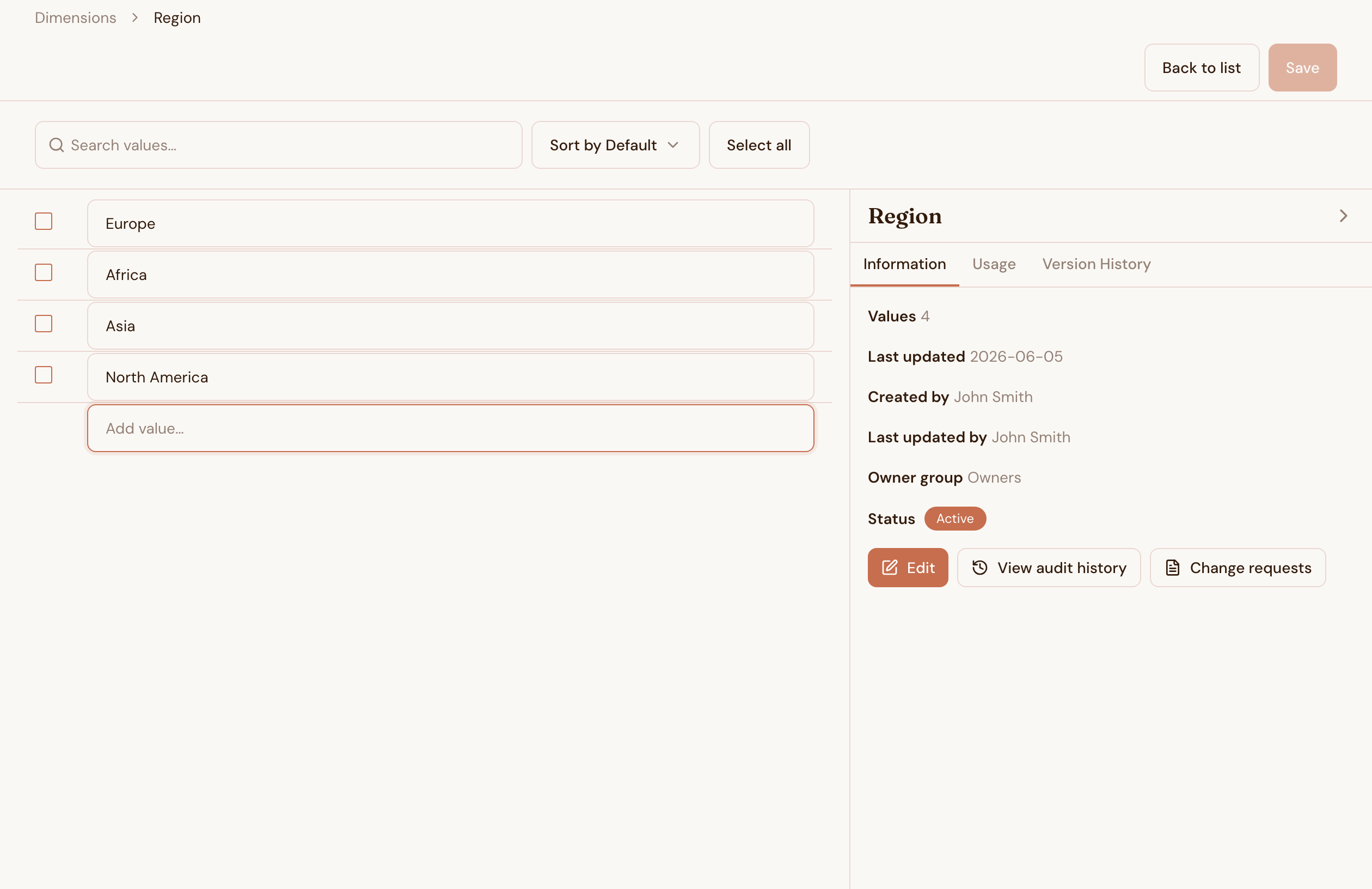
A dimension is a master data list. Region. Product. Department. Cost Centre. Any list your organisation uses across more than one system.
Create the valid values inside Wusool. Assign owners. Lock the list when a reporting period opens so nothing changes mid-quarter. Unlock it when the period closes and the next review begins.
Every team that references a dimension gets the same values at the same time. The analyst pulling a report, the engineer querying the data warehouse, and the finance manager running a budget model all see one list.
- Create categorical and hierarchical dimensions
- Import existing lists from CSV
- Audit history logs who changed what, and when
- Lock a dimension during reporting periods
- Approval workflow for proposed changes
Cross-dimension rules
Combined Dimensions
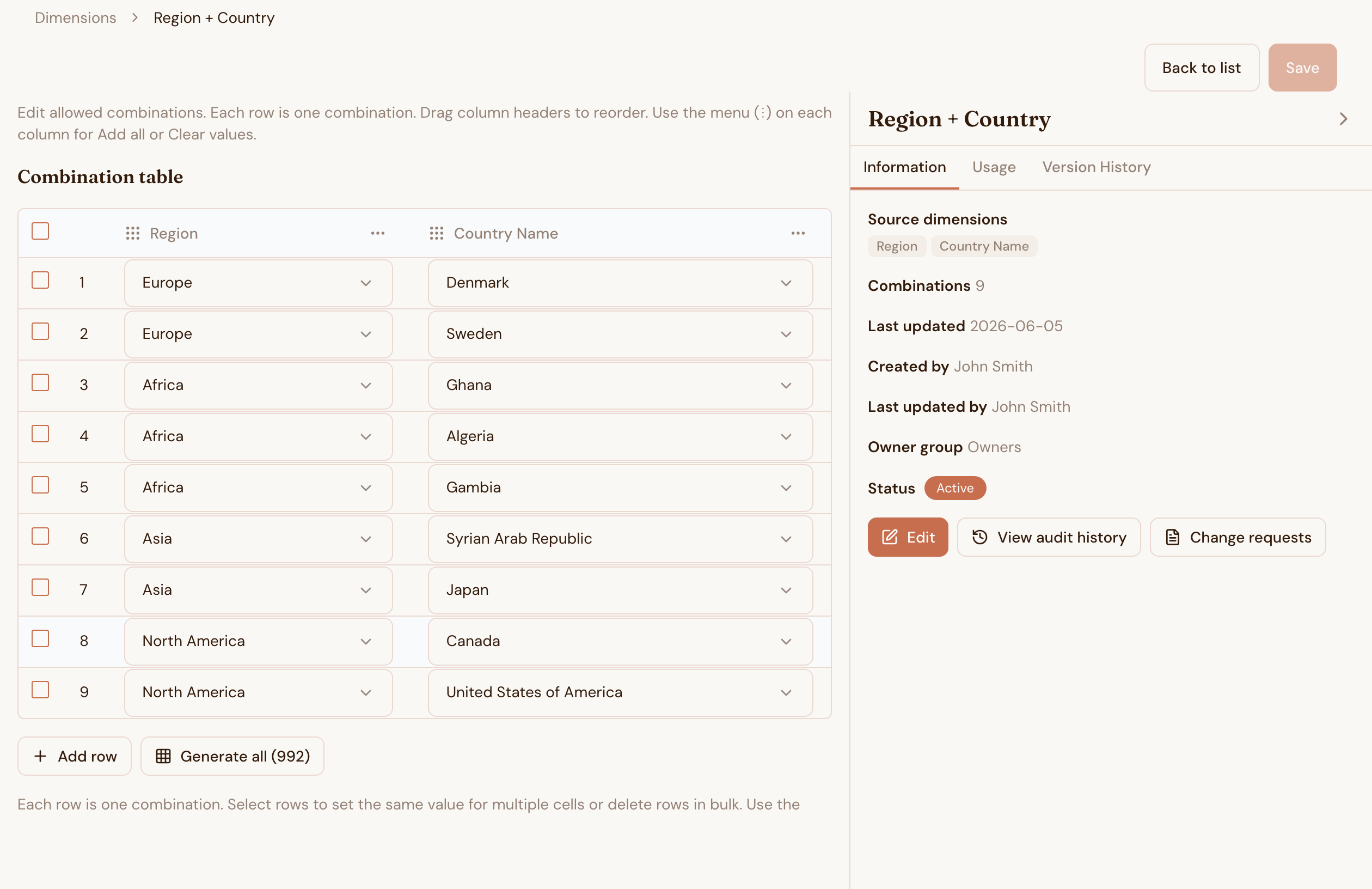
Not every Region applies to every Product. Not every Department applies to every Cost Centre. Combined Dimensions let you define the valid pairs and triplets, then enforce them automatically.
Set up a combination rule once. Wusool applies it everywhere that combination matters, across Workbooks, data entry forms, and exports. Users cannot enter a value that falls outside the valid set.
The invalid combination never reaches your report. You do not discover the problem after the close.
- Define cross-dimension validity rules
- Enforce rules automatically in Workbooks and data entry
- Export valid combination sets as a reference
- Edit combinations without touching the underlying dimensions
Governed data entry
Workbooks
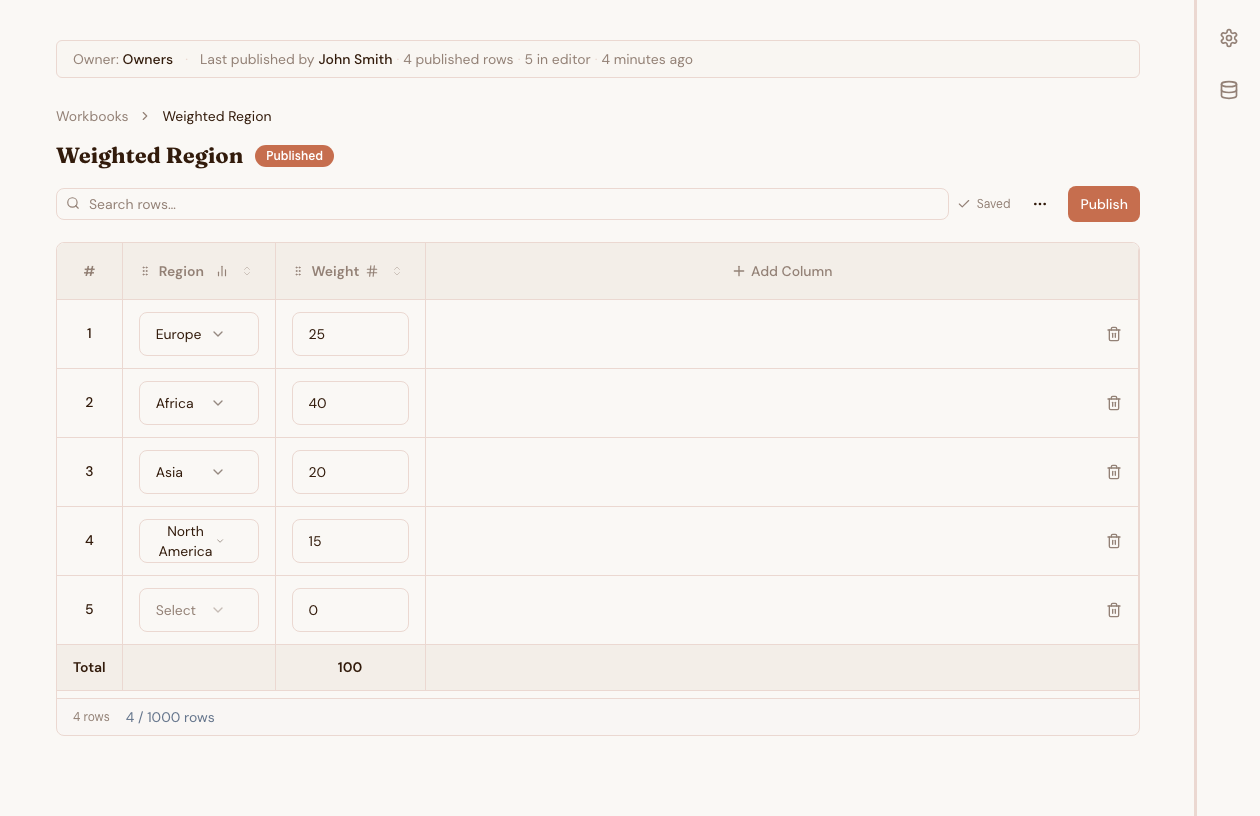
Workbooks are governed tables inside Wusool. Finance teams, operations teams, and other users enter data directly. A dimension constrains every linked cell to its current valid values.
The analyst does not clean up data entry errors after the fact. The errors do not happen. A user selecting "EMEA" from a constrained dropdown cannot introduce "Emea" or "emea" or "Europe" into the dataset.
- Constrained data entry that rejects invalid values at input
- Role-based access for who can enter, approve, or view
- Column types include text, number, date, and dimension reference
- Export to CSV or BigQuery today, with Snowflake, S3, GCS, Azure Blob, and SFTP coming soon
- Scheduled exports run automatically
Access and audit
Roles and access
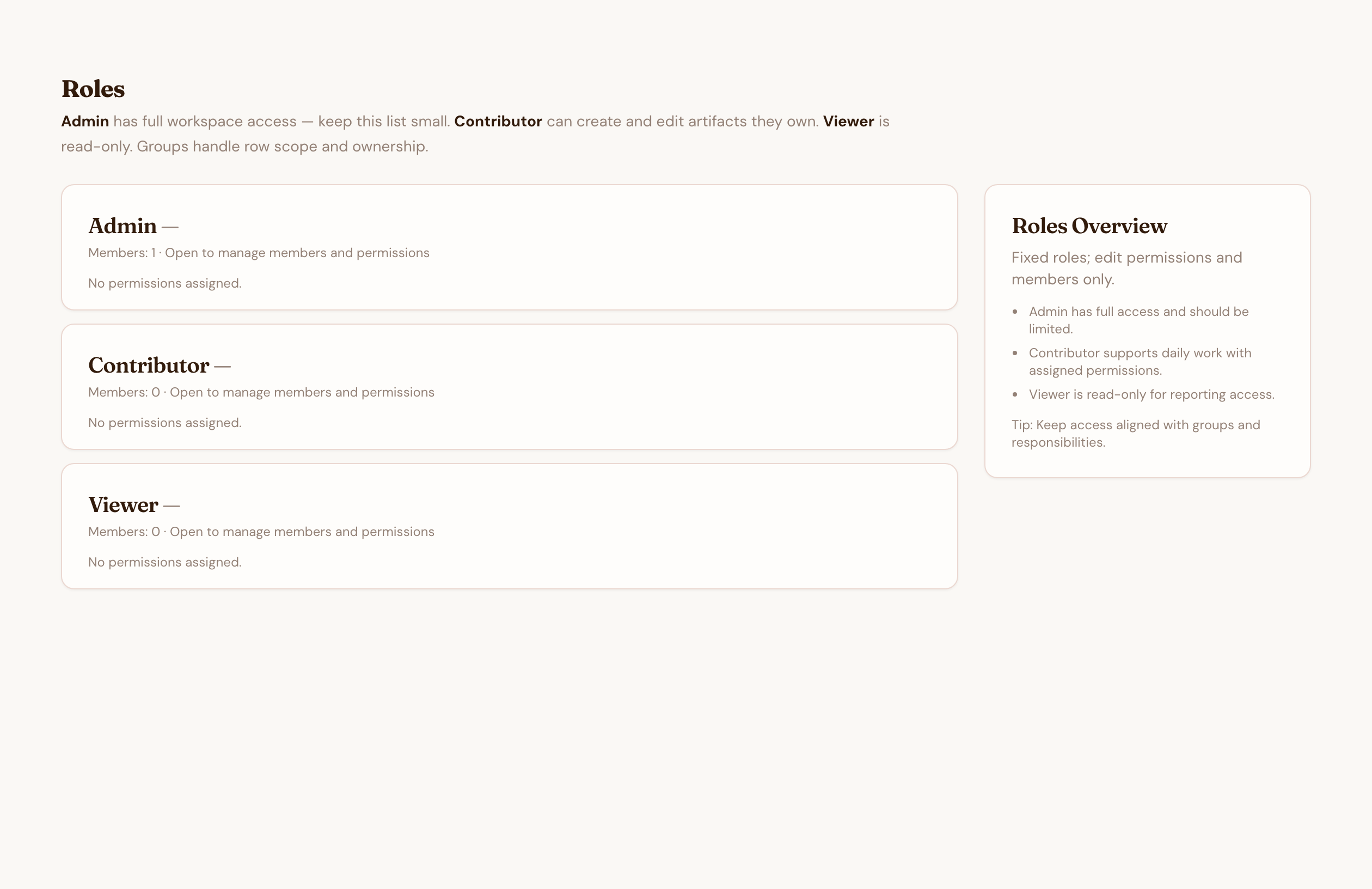
Wusool has three workspace roles. Viewers read dimensions and their current values. Contributors create and edit the dimensions and workbooks they own. Admins manage users, roles, and workspace settings, and can edit anything in the workspace.
Admins assign roles per user, then control who sees or edits each dimension through scope and ownership groups. Admin security actions, like role changes and deactivations, are recorded in an audit trail.
- Admin, Contributor, and Viewer roles, paired with scope and ownership groups
- Assign access through groups or individual users
- A security audit trail records admin actions like role changes and deactivations
- Workspace-level admin controls stay separate from per-dimension ownership
Scheduled exports
Data Connections
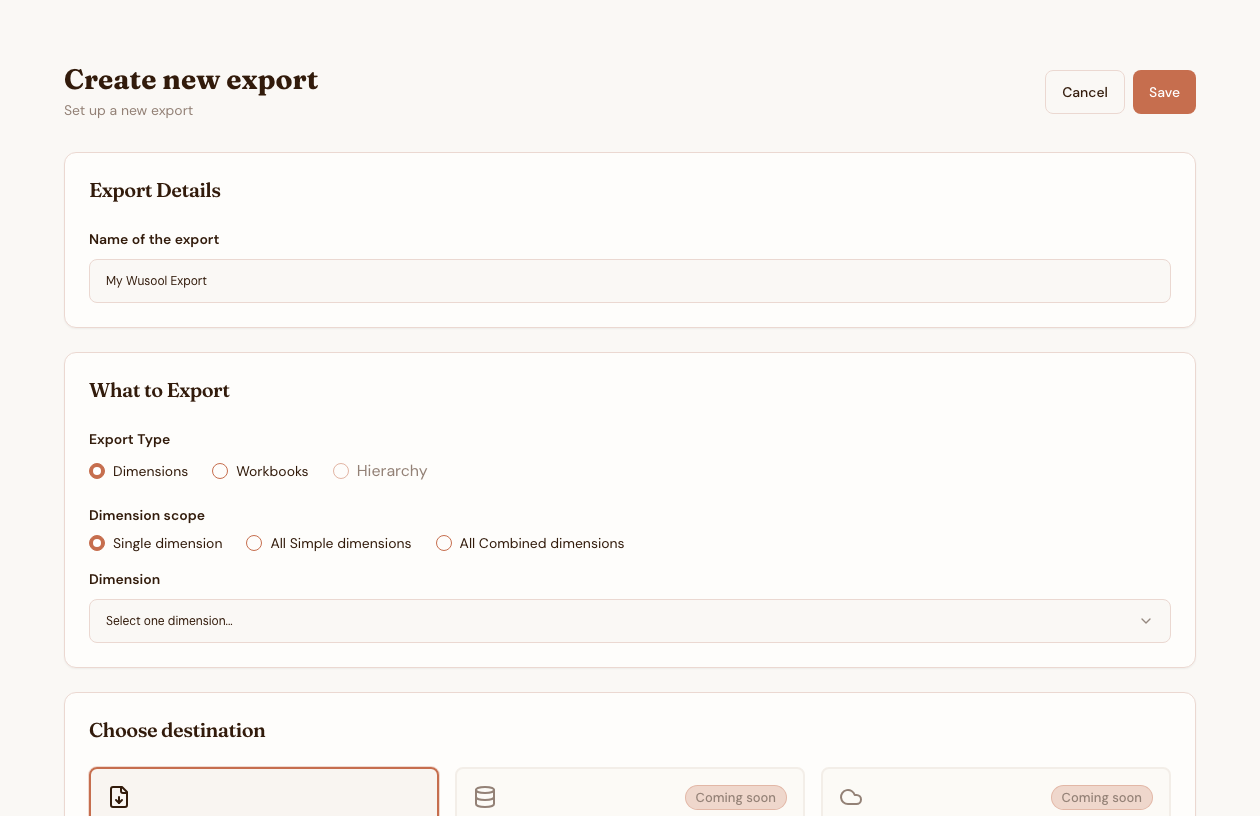
Your dimensions and Workbooks belong in your data warehouse alongside everything else. Set up a Data Connection once. Wusool exports the data on your schedule.
Daily, weekly, or monthly. To BigQuery or CSV today, with Snowflake, S3, GCS, Azure Blob, and SFTP coming soon. Wusool runs the export automatically and sends you a notification when it completes.
- Export dimensions or Workbooks
- Run on a daily, weekly, or monthly schedule
- CSV and BigQuery are available now, with Snowflake, S3, GCS, Azure Blob, and SFTP coming soon
- Email notifications on completion or failure
- Automatic retries on failed exports
Planning suite, coming soon
Plan on top of your governed data
Everything above is free today. The paid Planning suite adds an FP&A layer on top of your governed dimensions.
Metrics
Define the KPIs your team plans around. Each metric ties to your governed dimensions and belongs to the team that owns it.
Targets
Set targets by period and dimension breakdown, with version history, approvals, and delegated ownership.
Scenarios
Plan in versions like Budget, Forecast, and Actuals. Lock a scenario during close and compare the plan against actuals.
Ready to bring your dimensions under control
Set up your first dimension in minutes. Invite your team. Start governing your master data today.
Get started free